How to Clean Dusty Vinyl Record Transfers Without Dulling Analog Highs
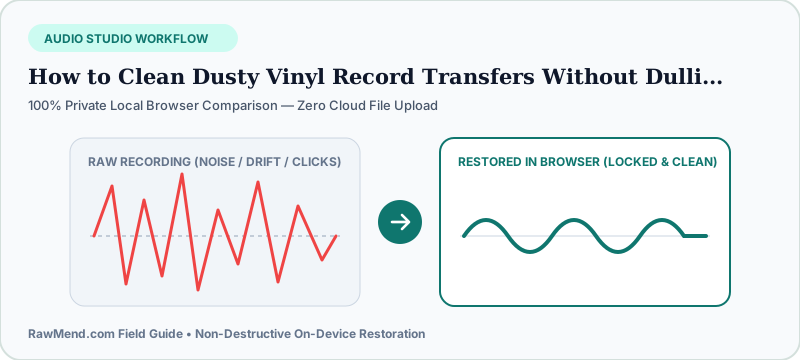
To clean digitized vinyl records without losing warm analog treble, brush loose dust off the LP before recording at 24-bit WAV, then repair sharp needle pops using a transient-only vinyl de-clicker rather than broad hiss reduction. Always preview 'Solo Removed Clicks'—if you hear hi-hats or vocals in Solo mode, back Sensitivity down slightly.
Why Standard 'Noise Reduction' Destroys the Magic of Vinyl
The whole reason music lovers spend weekends digitizing rare 1970s pressings and 45rpm singles is that open, punchy analog presence you can't stream anywhere.
Run that transfer through a generic podcast background-noise remover and heartbreak follows: cymbals turn phasey and watery, acoustic guitar strings lose their sparkle, and vocals sound veiled—all because broad noise reducers attack steady treble instead of isolated dust ticks!
The Golden Ear Test: Listening Only to What Gets Removed
Professional mastering engineers never guess whether a de-clicker is eating into snare drums or brass stabs. Instead, they flip into difference ('Solo Clicks') monitoring.
When properly dialed in, Solo mode plays nothing but dry static ticks and scratch pops in total silence—proving 99.9% of the musical waveform remains untouched.
| Step | Removes What? | Safe on Cymbal Shimmer? |
|---|---|---|
| Carbon-Fiber Anti-Static Brush Pre-Play | Loose surface dust & static charge | 100% Safe |
| VelvetAudio Vinyl Pop Healer (RawMend) | Sharp needle ticks, pops & light scratches | Yes — verify via Solo Clicks |
| Generic Broadband Denoiser | Steady tape/preamp hiss | Risky — smears high-end air |
3 Steps to Restore Any Turntable Rip in Your Browser
- Record your turntable preamp output as an uncompressed WAV or FLAC file with healthy headroom (-6 dB peak) so loud pops don't clip.
- Drop the WAV into RawMend's Vinyl Click & Crackle Remover and select the Vinyl Restoration preset.
- Toggle 'Solo Removed Clicks' to verify zero snare or cymbal bleed, then export your lossless archival WAV.
Frequently Asked Questions
Can software fix a deep physical skip where the needle jumps a groove?
De-clicking mends sharp pops and ticks cleanly, whereas a physical groove skip requires cleaning the record wet or carefully cutting the repeated beat in an editor.
What file formats can I load into VelvetAudio?
WAV, FLAC, MP3, M4A, and OGG load locally in seconds with zero cloud upload.