How to Remove Heavy Wind Noise from Outdoor Videos Without Thinning Voices
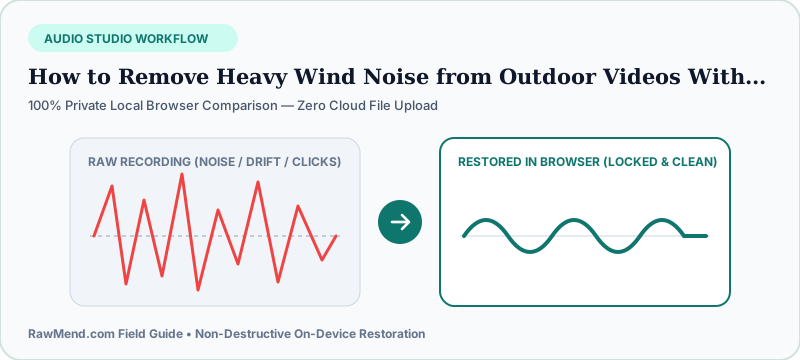
To remove heavy wind noise from already-recorded outdoor videos without making voices sound thin and robotic, avoid slicing off all bass with a static EQ cut. Instead, drop your MP4 or MOV clip into a dynamic wind-gust cleaner that suppresses turbulent low-end pressure bursts only when gusts hit while protecting natural chest warmth between gusts.
Why Foam Windscreens Fail Outdoors (And Why Phones Suffer Most)
Thin black foam mic covers were designed strictly for indoor air drafts and light vocal breath—take foam onto a windy beach or bike trail and air punches straight through to the capsule.
Outdoors, furry 'deadcat' windjammers break wind into tiny harmless eddies. Yet millions of memorable moments—beach proposals, mountain summits, cycling clips—get filmed spontaneously on bare iPhones or GoPros with zero furry cover attached.
Why Simple High-Pass EQ Cuts Make Speakers Sound Like Walkie-Talkies
Most video tutorials tell you to drag a steep EQ shelf up to 250 Hz. That kills low rumble, sure—along with all warmth in the groom's vows for the entire five-minute ceremony, even during calm moments!
Dynamic wind suppression tracks sudden air buffeting moment-by-moment, calming roaring gusts while keeping spoken voices rich and intimate.
| Solution | When Used | Handles 15mph Gusts? | Voice Quality |
|---|---|---|---|
| Furry Deadcat Windjammer on Mic | During Shoot | Excellent | Natural |
| AeroVoice Wind & Rumble Cleaner (RawMend) | Post-Shoot Rescue | Strong gust & thump cleanup | Preserves warm vocal chest |
| Thin Foam Mic Cover | During Shoot | Fails above light breeze | Natural indoors only |
| Static 250Hz High-Pass EQ Cut | Post-Shoot | Removes bass everywhere | Thin, hollow telephone tone |
How to Rescue Windy MP4 or MOV Clips Right Now
- Open RawMend's Outdoor Wind & Rumble Cleaner—you can drop raw MP4, MOV, WebM, WAV, or MP3 files directly.
- Scrub to the loudest wind gust in your clip and raise Wind Gust Suppression while keeping Vocal Warmth Guard active.
- Download the cleaned WAV soundtrack and lay it over your original video clip in any editor.
Frequently Asked Questions
Does this also fix indoor 'P' pops and desk bumps?
Yes! Vocal P/B air blasts and desk boom-arm thumps are brief indoor pressure gusts—AeroVoice tames them cleanly.
Do I have to wait for a 1GB 4K video file to upload?
Zero upload wait—your browser decodes the audio locally on your machine in seconds.